

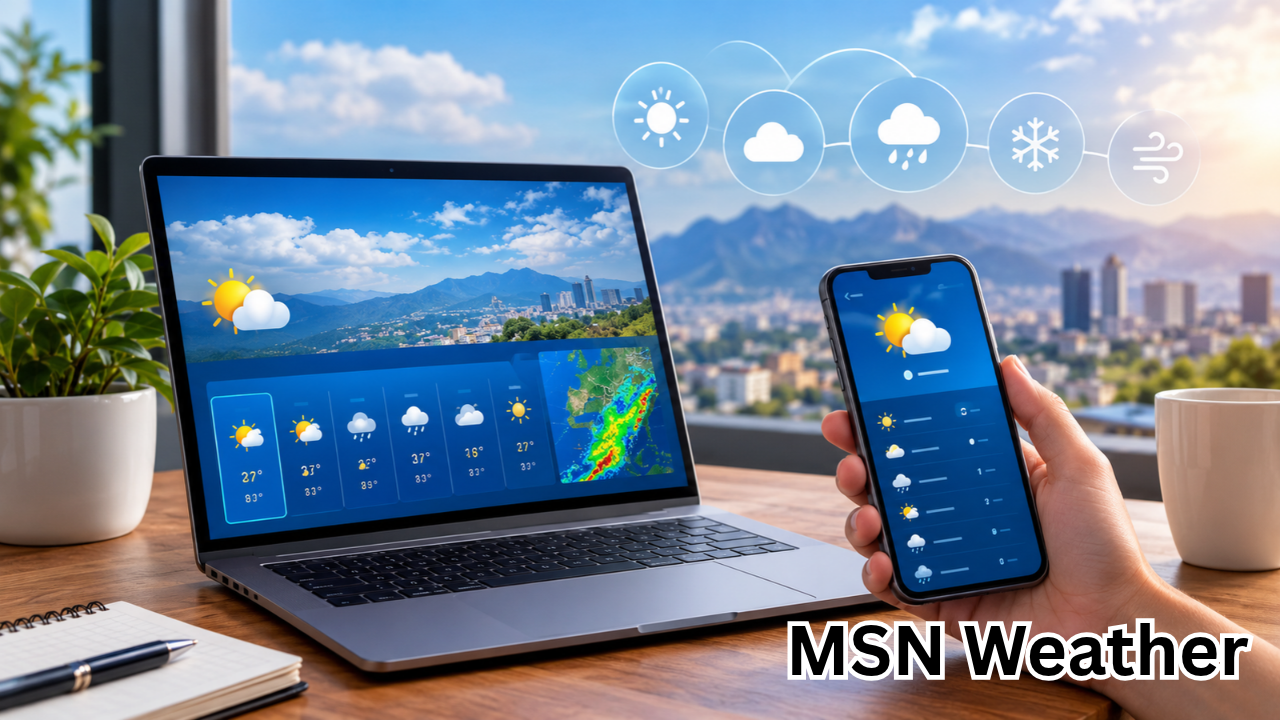
Weather can influence almost every part of daily life, from deciding what to wear in the morning to planning a road trip, outdoor event, or weekend vacation. Having access to reliable weather information makes it easier to prepare for changing conditions and avoid unnecessary surprises. MSN Weather is a convenient online weather service that helps users check current conditions, explore forecasts, and understand what the weather may look like in the coming hours and days.
Whether you want to know if rain is expected, check tomorrow’s temperature, or prepare for a possible storm, MSN Weather provides a straightforward way to explore weather information from your computer or mobile device. Its location-based forecasts and visual weather details can help users make better-informed everyday decisions.
In this guide, we will explain what MSN Weather is, how to use its main features, how to check forecasts for different locations, and what to consider when interpreting weather information.
What Is MSN Weather?
MSN Weather is Microsoft’s online weather service, accessible through the MSN website and supported Microsoft experiences. It provides weather information for locations around the world, allowing users to check temperatures, precipitation forecasts, wind conditions, and other useful meteorological details.
The service is designed for everyday users who want weather information without navigating complicated forecasting tools. Its interface organizes important details into an accessible format, making it suitable for students, travelers, commuters, families, and professionals.
Depending on the location, device, and current version of the service, available information may include:
- Current temperature and apparent temperature.
- Hourly weather forecasts.
- Daily forecasts for upcoming days.
- Rain and precipitation probabilities.
- Wind speed and direction.
- Humidity and visibility.
- Sunrise and sunset times.
- Weather alerts and severe-weather information, where supported.
- Maps and additional environmental information, where available.
The exact features and forecast periods may vary. Users should also remember that weather forecasts are estimates based on available meteorological data, not guarantees of future conditions.
How to Access MSN Weather
Accessing MSN Weather is simple, and most users can begin checking the forecast directly from a web browser.
Using a Computer
Follow these steps to check the weather on a desktop or laptop:
- Open your preferred web browser.
- Visit the official MSN website at https://www.msn.com/.
- Look for the Weather section or search for weather information using the site’s available navigation.
- Select your location or search for a city.
- Review the current conditions and forecast details.
You can also visit the official MSN Weather page at https://www.msn.com/weather to look for weather information and available features.
Using a Mobile Phone
MSN Weather can also be accessed through a mobile browser. Open the MSN website, search for your location, and review the available forecast.
Depending on your device and Microsoft’s current product offerings, weather information may also be accessible through supported Microsoft apps or Windows experiences.
For the most useful results, confirm that the selected city matches your actual location. Several cities can share the same name, and selecting the wrong one may produce an inaccurate impression of local conditions.
Key Features of MSN Weather
MSN Weather offers several types of information that help users understand present conditions and prepare for upcoming weather changes.
1. Current Weather Conditions
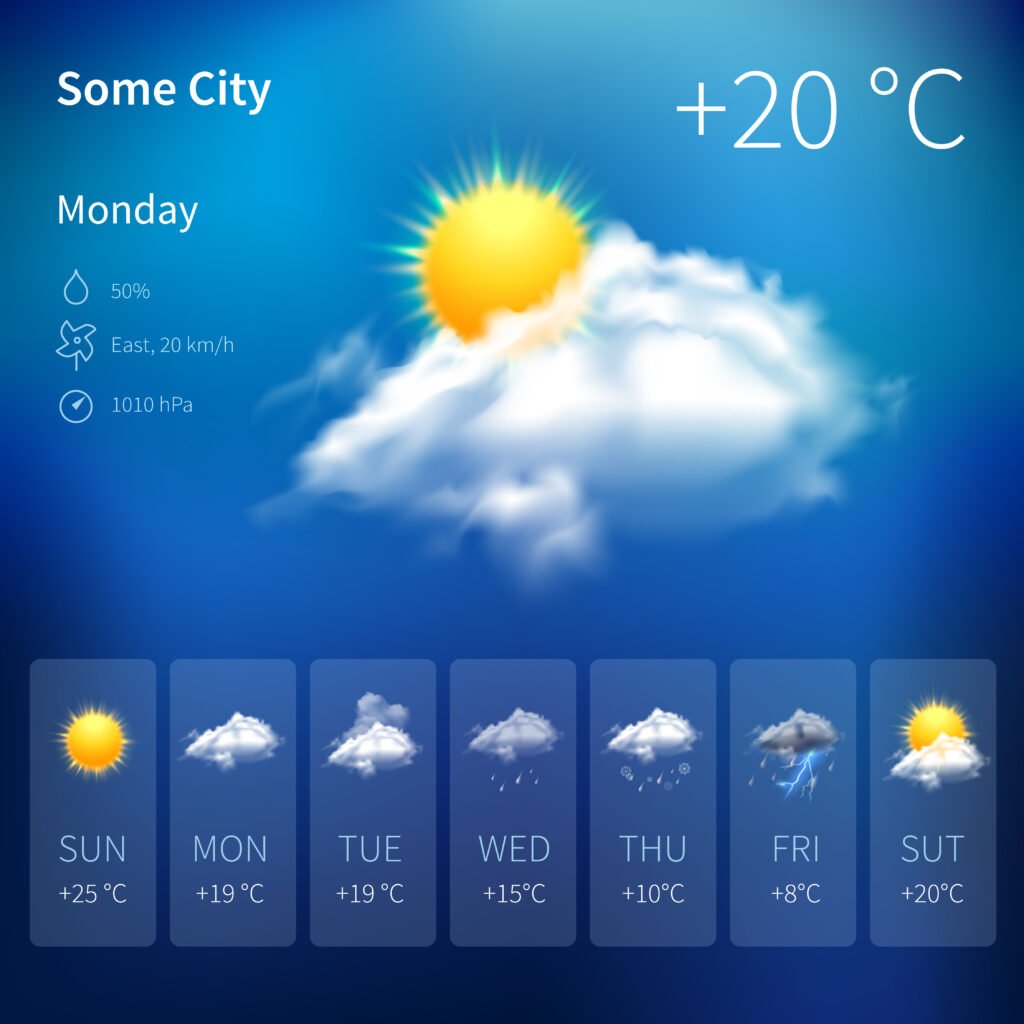
The current conditions section provides a quick overview of the weather in a selected location. Depending on availability, it may show temperature, a short weather description, humidity, and wind information.
For example, a forecast might indicate cloudy skies, a temperature of 28°C, and moderate winds. These details help you decide whether to carry a light jacket, prepare for rain, or adjust outdoor plans.
Pay attention to the apparent temperature as well as the actual temperature. Humidity, wind, and sunlight can affect how warm or cold the weather feels.
2. Hourly Weather Forecasts
Hourly forecasts are especially helpful when weather conditions change throughout the day.
Rather than checking only the daily high and low, you can examine the expected conditions during specific hours. This is useful when scheduling outdoor activities, commuting to work, or deciding when to run errands.
An hourly forecast may help answer questions such as:
- Is rain expected during the morning commute?
- Will temperatures rise significantly in the afternoon?
- Is the evening likely to be cooler?
- When might wind conditions become stronger?
Hourly forecasts are estimates, so check for updates when conditions are uncertain or changing rapidly.
3. Daily and Extended Forecasts
Daily forecasts summarize expected weather over the coming days. They commonly include predicted high and low temperatures, general sky conditions, and precipitation information.
These forecasts are useful for planning activities that require advance preparation, including travel, gardening, sports, family outings, and outdoor work.
However, forecast confidence generally decreases as the forecast period extends further into the future. A prediction for tomorrow is often more useful for detailed scheduling than a prediction several days or weeks away.
4. Rain and Precipitation Information
Precipitation forecasts help users understand whether rain, snow, or other forms of precipitation may occur.
A precipitation probability is not the same as a measurement of how much rain will fall. For example, a 60% chance of precipitation indicates a forecast probability for the relevant location and period, according to the forecasting method used. It does not necessarily mean rain will fall for 60% of the day.
When planning an outdoor event, consider the precipitation probability alongside the expected timing, potential intensity, and any available weather alerts.
5. Wind, Humidity, and Other Details
Temperature alone does not tell the complete weather story. Wind and humidity can make conditions feel considerably different from what the thermometer suggests.
Wind information can be particularly important for cyclists, motorcyclists, boaters, and people working outdoors. High humidity may make hot weather feel more uncomfortable, while strong winds can increase the risk associated with storms or exposed outdoor locations.
Other available measurements, such as visibility and sunrise or sunset times, can also help users plan their day.
Understanding MSN Weather Information at a Glance
The following table explains common weather measurements you may encounter while using MSN Weather.
| Weather detail | What it means | Why it matters |
|---|---|---|
| Current temperature | The reported air temperature | Helps you choose suitable clothing |
| Feels-like temperature | How warm or cold conditions may feel | Accounts for factors such as wind and humidity |
| Precipitation chance | Probability of precipitation during a defined period | Helps with outdoor planning |
| Wind speed | How quickly air is moving | Useful for travel and outdoor safety |
| Humidity | Amount of moisture in the air relative to its capacity at that temperature | Helps explain discomfort in humid conditions |
| Daily high and low | Expected maximum and minimum temperatures | Supports planning for the entire day |
| Visibility | How far you can see under current or forecast conditions | Important for driving and travel |
| Weather alerts | Notifications about specified hazardous conditions, where available | Helps users prepare for potentially dangerous weather |
Understanding these measurements makes weather forecasts more useful. Instead of relying on a single temperature reading, consider the combination of conditions that could affect your plans.
How to Check the Weather for Any Location
One of the practical advantages of MSN Weather is the ability to search for weather information beyond your current city.
To check another location, open the weather page and use the available location search. Enter a city or other supported place name, then select the correct result.
This feature can be useful when:
- Planning a trip to another city.
- Checking conditions before visiting family or friends.
- Comparing weather between two destinations.
- Preparing for a business trip.
- Monitoring conditions in a location where you have outdoor responsibilities.
For example, someone traveling from Karachi to Islamabad may want to compare temperatures, wind conditions, and precipitation forecasts before departure. The same approach can help international travelers prepare for differences in climate.
Always verify the location and local time associated with a forecast. Weather conditions can vary substantially between nearby areas, especially in mountainous regions, coastal communities, and places affected by localized storms.
MSN Weather on Windows and Other Devices
Weather information may be integrated into different Microsoft products, depending on the operating system, device, and software version.
Windows users may encounter weather information through supported widgets or other Microsoft experiences. These features can make it easier to view a forecast without opening a separate browser tab.
Mobile users can access the service through a browser and may have additional options depending on the apps and features currently supported in their region.
If you cannot find a particular weather feature, check the official MSN website first. Microsoft periodically updates its products and interfaces, so instructions or screenshots from older guides may no longer match the current experience.
Benefits of Using MSN Weather
MSN Weather can be a useful everyday resource for several reasons.
Convenient access: Users can check weather information online without needing specialized meteorological knowledge.
Location-based forecasts: Searching for a city makes it possible to check conditions in different places.
Multiple forecast details: Temperature, wind, precipitation, and other measurements provide a more complete picture than a simple temperature display.
Practical daily planning: Forecasts can help users make decisions about clothing, commuting, travel, and outdoor activities.
Familiar Microsoft environment: People who already use Microsoft products may find it convenient to access weather information within supported experiences.
Visual presentation: Weather icons, summaries, and other visual elements can make forecast information easier to understand quickly.
The usefulness of any weather service depends on the accuracy of its underlying data, the forecast model, the location, and how frequently the information is updated.
Is MSN Weather Accurate?
MSN Weather can be useful for checking current conditions and forecasts, but no weather service can predict every local weather change perfectly.
Forecast accuracy depends on several factors, including the quality of weather observations, atmospheric conditions, forecast models, and the amount of time between the forecast and the event.
Short-term forecasts are generally more reliable than long-range predictions. Localized thunderstorms, sudden wind changes, and rapidly developing weather systems can also be difficult to predict precisely.
To use MSN Weather effectively, follow these recommendations:
- Check the forecast again before important outdoor activities.
- Review hourly details instead of relying only on daily summaries.
- Pay attention to severe-weather warnings and official advisories.
- Compare forecasts from reputable sources when conditions could be dangerous.
- Treat long-range forecasts as planning guidance rather than certainty.
For high-impact weather events, consult the relevant national or local meteorological authority. In Pakistan, for example, the Pakistan Meteorological Department is an important official source for weather forecasts and warnings.
MSN Weather is a convenient starting point, but safety decisions should be based on the latest authoritative warnings available for your area.

Tips for Getting Better Results From MSN Weather
A few simple habits can make your weather checks more useful.
Confirm Your Location
Make sure you are viewing the correct city. If the service offers location permissions, review your browser or device settings if automatic location detection does not work.
Check Forecast Timing
A daily summary may not show exactly when rain or strong winds are expected. Use hourly details when timing matters.
Understand the Difference Between Temperature and Feels-Like Conditions
A temperature reading is only one part of the forecast. Wind and humidity can significantly affect comfort and safety.
Refresh Important Forecasts
Weather conditions can change quickly. Recheck forecasts before traveling, attending an outdoor event, or working in exposed conditions.
Use Official Alerts for Emergencies
A general forecast is not a substitute for a severe-weather warning. If authorities issue an alert, follow their instructions even when a general weather summary appears reassuring.
These habits help you get more value from MSN Weather without treating any forecast as a guarantee.
Frequently Asked Questions About MSN Weather
1. What is MSN Weather used for?
MSN Weather is an online weather service that helps users check current conditions, hourly forecasts, upcoming daily weather, and other meteorological information. It can support everyday decisions about clothing, commuting, travel, and outdoor activities.
2. How can I check MSN Weather for my city?
Visit https://www.msn.com/weather and look for the location search feature. Enter your city name and select the appropriate result. You can then review the available temperature readings, forecast details, and other local weather information.
3. Is MSN Weather free to use?
MSN Weather is generally accessible through Microsoft’s website without a paid weather-service subscription. However, access to specific features and the overall experience may vary by device, region, and Microsoft’s current product offerings.
4. Can I use MSN Weather on my mobile phone?
Yes. You can access MSN Weather through a compatible mobile web browser. Depending on your device and Microsoft’s supported products, weather information may also be available through other Microsoft experiences.
5. How accurate is the MSN Weather forecast?
MSN Weather can provide useful forecasts, but accuracy varies with location, weather conditions, and forecast period. Short-term predictions are generally more reliable than long-range estimates. For severe weather, consult official meteorological warnings and local emergency guidance.
6. Why is MSN Weather showing the wrong location?
Incorrect location results can occur because of disabled location permissions, inaccurate location detection, or a manually selected city. Check the selected location, review your browser’s location settings if necessary, and search for your city directly to obtain the relevant forecast.
Final Thoughts
MSN Weather is a convenient resource for anyone who wants to stay informed about current conditions and upcoming weather changes. Its location-based forecasts, hourly updates, temperature readings, and precipitation information can help simplify everyday planning.
Whether you are preparing for a busy workday, organizing a family outing, or checking conditions before traveling, understanding how to interpret weather forecasts can make a meaningful difference. The key is to look beyond the temperature alone and consider wind, humidity, precipitation, and the timing of expected changes.
For the best results, check MSN Weather regularly, verify your selected location, and pay attention to forecast updates. When severe weather threatens, rely on official warnings from your local meteorological authority.
By combining convenient online forecasts with sensible preparation, you can make better-informed decisions and approach changing weather with greater confidence.
Also Read : Trump China News: Latest Updates on Trade, Tariffs, and US-China Relations











Leave a Reply