

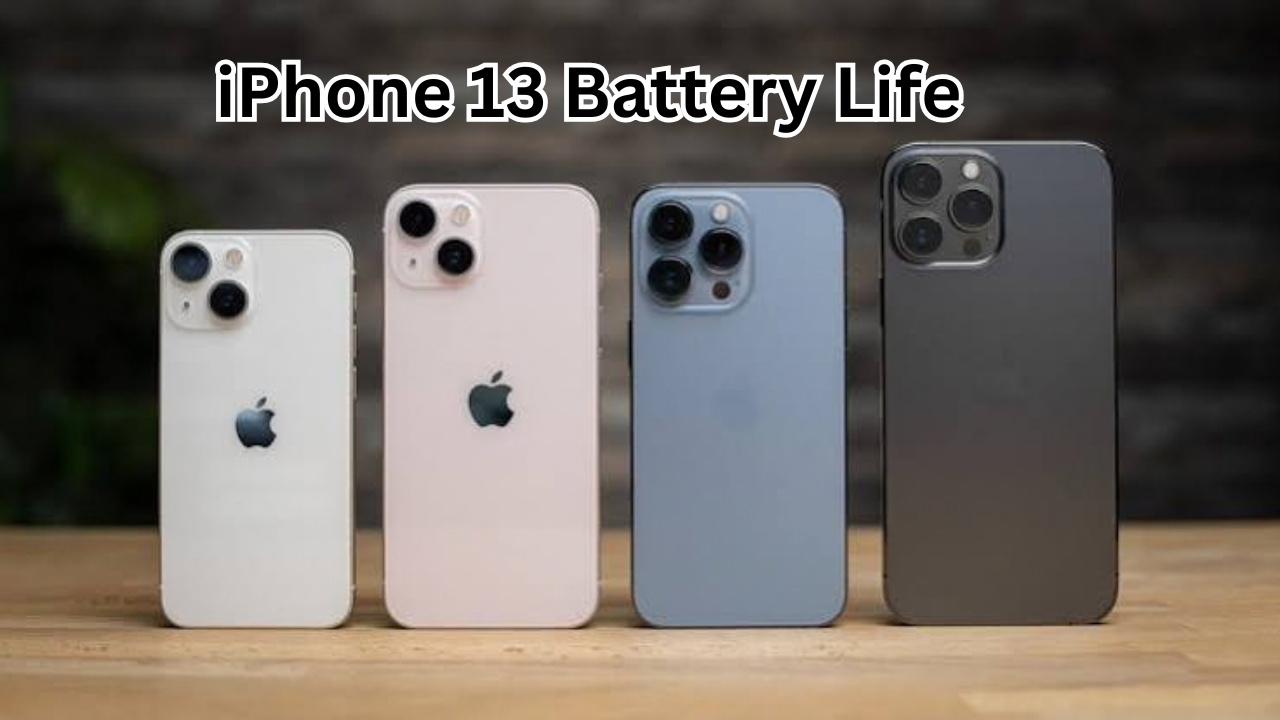
The iPhone 13 battery life is one of the biggest improvements Apple made over the previous-generation iPhone 12. While the iPhone 13 keeps a familiar design and compact size, it offers a larger battery and improved power efficiency, making it better suited for everyday use.
For many people, battery performance is just as important as camera quality, display features, or processing power. Nobody wants to spend the day searching for a charger, especially when using a phone for navigation, social media, streaming, photography, messaging, and work.
So, how long does the iPhone 13 battery actually last? And is it still good enough for modern smartphone users?
This guide takes a detailed look at iPhone 13 battery life, charging, battery health, everyday usage, power-saving tips, and what you can expect from an older iPhone 13 today.
iPhone 13 Battery Life at a Glance
Apple equipped the iPhone 13 with a larger battery than the iPhone 12 while also introducing the more power-efficient A15 Bionic chip. The combination helps the device deliver noticeably better endurance.
Apple rated the iPhone 13 for up to 19 hours of video playback, up to 15 hours of streamed video playback, and up to 75 hours of audio playback under its testing conditions.
Real-world battery life, however, depends heavily on how you use the phone.
A person who mainly sends messages, checks email, browses the web, and occasionally takes photos may get through a full day comfortably. Someone who spends several hours gaming, recording video, using GPS, or watching high-resolution content can drain the battery much faster.
The key point is that advertised battery figures are laboratory-style measurements. Your personal experience can be different.
What Affects iPhone 13 Battery Life?
Battery performance isn’t determined by battery capacity alone. Several hardware and software factors influence how quickly your iPhone uses power.
Screen Brightness
The display can be one of the largest sources of battery consumption.
Keeping brightness near maximum for long periods can noticeably reduce battery life. Automatic brightness is generally a practical option because the iPhone can adjust the screen according to surrounding light.
Dark environments also make it easier to use a lower brightness level.
Mobile Data and Signal Strength
Your cellular connection can have a surprisingly large impact on battery life.
When the iPhone has a weak signal, it may work harder to maintain a connection. If you’re in an area with poor reception for extended periods, battery drain can increase.
Using Wi-Fi when a reliable network is available can help in many situations.
Apps Running in the Background
Some apps regularly check for new information, refresh content, use your location, or send notifications.
You don’t necessarily need to close every app manually. Instead, check which apps are consuming the most battery through the iPhone’s Battery settings.
This can help identify apps that are responsible for unusually high usage.
Gaming and Video Recording
Demanding games and camera features can consume significantly more power than simple messaging or reading.
Recording long 4K videos, using navigation for extended periods, and playing graphics-intensive games can cause the battery percentage to fall much faster.
That’s normal behavior rather than necessarily a sign that the battery is defective.
How Long Does the iPhone 13 Last in Everyday Use?
For everyday tasks, the iPhone 13 can still provide respectable battery endurance.
Light users may be able to stretch a charge well beyond a full day. Moderate users will generally want to charge the phone around once per day, while heavy users may need an additional charge before the day ends.
Here’s a simplified example:
| Usage Type | Typical Activities | Expected Experience |
|---|---|---|
| Light | Messages, email, occasional browsing | Can often last a full day or longer |
| Moderate | Social media, photos, streaming, browsing | Generally suitable for a full day |
| Heavy | Gaming, GPS, video recording, streaming | May require charging during the day |
| Very Heavy | Extended gaming, 4K recording, hotspot use | Battery can drain considerably faster |
These are general expectations rather than guaranteed results. Battery condition, network strength, settings, temperature, and software version can all change the outcome.
iPhone 13 Battery Capacity
The iPhone 13 has a battery capacity of approximately 3,227 mAh based on Apple’s regulatory battery information.
Looking only at the mAh number doesn’t tell the whole story, though.
Apple designs the iPhone’s hardware and software together, and the A15 Bionic chip helps balance performance and energy consumption. This means a phone with a smaller battery on paper can sometimes deliver better practical endurance than another phone with a larger battery.
The iPhone 13 also benefited from the efficiency improvements introduced with its generation.
iPhone 13 Charging Speed
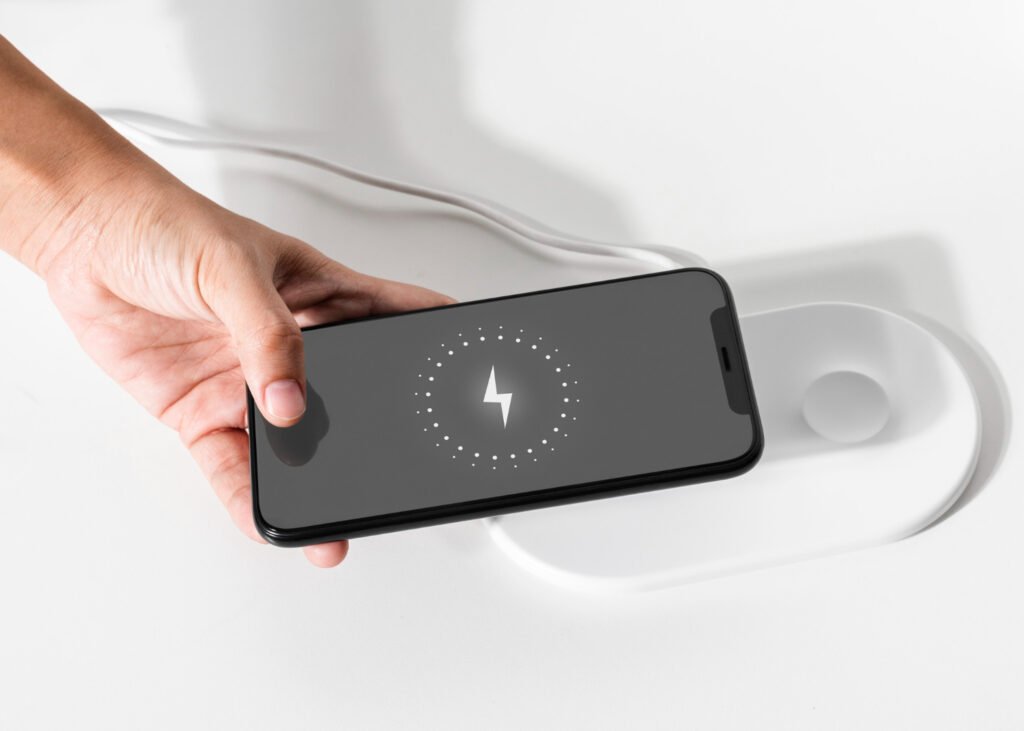
The iPhone 13 supports wired fast charging and can reach up to approximately 50% charge in around 30 minutes when paired with a sufficiently powerful adapter and suitable USB-C to Lightning cable.
The exact charging experience can vary depending on the charger, cable, temperature, and battery condition.
The phone also supports MagSafe wireless charging and standard Qi wireless charging.
MagSafe can be particularly convenient if you want to place the phone on a compatible magnetic charger without plugging in a cable every time.
One important detail is that Apple did not include a power adapter in the iPhone 13 box. If you purchase the phone separately, you may need to use an existing compatible adapter or buy one.
How to Improve iPhone 13 Battery Life
If your iPhone 13 isn’t lasting as long as you expect, there are several practical changes worth trying.
1. Turn On Optimized Battery Charging
Optimized Battery Charging is designed to reduce the amount of time the iPhone spends fully charged.
You can find battery-related charging options under the iPhone’s Settings app.
This feature can be particularly useful for people who regularly leave their phone connected to a charger overnight.
2. Check Battery Usage
Go to Settings > Battery to see which apps and activities are using the most power.
Don’t assume that the app you use most is automatically the biggest problem. The battery page can reveal unexpected sources of consumption.
If one application is using an unusually large percentage of your battery, check whether it needs background activity, location access, or frequent notifications.
3. Reduce Screen Brightness
You don’t need to keep the display at maximum brightness unless the environment requires it.
Using automatic brightness or manually lowering the screen can help reduce energy consumption.
4. Use Low Power Mode When Necessary
Low Power Mode is useful when you know you’ll be away from a charger.
It reduces or disables certain background activities and adjusts some system functions to help extend battery life.
It’s especially helpful when your battery percentage is getting low and you still need the phone to remain available.
5. Limit Unnecessary Location Access
Location services are useful for navigation, weather, maps, transportation, and many other apps.
However, not every application needs continuous access to your location.
Review location permissions and choose an appropriate option for apps that don’t need constant access.
6. Keep the iPhone at a Comfortable Temperature
Extreme temperatures can affect battery performance.
Very hot conditions can be particularly harmful to lithium-ion batteries over time. Avoid leaving the iPhone in direct sunlight or inside a hot vehicle whenever possible.
If the phone becomes unusually hot while charging or performing demanding tasks, give it time to cool down.
What Is iPhone 13 Battery Health?
Battery health is one of the most important things to check when buying or using an older iPhone 13.
Lithium-ion batteries naturally lose some capacity as they age. Battery Health provides an indication of how much maximum capacity remains compared with when the battery was new.
You can check it by going to:
Settings > Battery > Battery Health & Charging
A battery with a high maximum capacity should generally provide better runtime than one that has experienced substantial chemical aging.
If your iPhone 13 seems to be losing power unusually quickly, checking Battery Health is a good first step.
When Should You Replace an iPhone 13 Battery?
Battery replacement may be worth considering when the phone’s endurance has become inconvenient or the battery health has significantly declined.
A replacement battery can restore much of the phone’s original runtime without requiring you to replace the entire device.
Before replacing it, consider other possible causes of rapid battery drain. A recently installed app, poor cellular reception, excessive background activity, or a software issue can sometimes be responsible.
If the battery is swollen, physically damaged, or behaving dangerously, stop using the device and seek professional service.
iPhone 13 vs iPhone 12 Battery Life
One of the clearest advantages of the iPhone 13 over the iPhone 12 is battery endurance.
Apple’s published ratings show the iPhone 13 offering up to 19 hours of video playback, compared with up to 17 hours for the iPhone 12.
That difference may not sound dramatic, but it can become meaningful during a long day away from a charger.
The improvement comes from a combination of a larger battery and the efficiency of the newer internal hardware.
Is the iPhone 13 Battery Still Good?
The answer depends on the condition of the individual phone.
A new or lightly used iPhone 13 can still offer solid everyday endurance. However, a device that has been used for several years may have a significantly aged battery.
This is why two iPhone 13 devices can provide completely different battery experiences.
If you’re purchasing a used iPhone 13, check:
- Maximum Battery Capacity
- Battery Health & Charging information
- Overall physical condition
- Charging behavior
- Unexpected shutdowns
- Whether the phone becomes unusually hot
- How quickly the battery percentage drops during normal use
Battery condition is especially important when buying a second-hand device.
Does 5G Affect iPhone 13 Battery Life?
Yes, cellular connectivity can influence battery consumption.
The iPhone 13 supports 5G, which can provide faster mobile data speeds when a compatible network is available. However, mobile connectivity can use more energy depending on network conditions and how the phone is configured.
If battery life is more important than maximum cellular speed, iOS provides settings that can help balance connectivity and power consumption.
In areas where 5G coverage is inconsistent, the phone may also spend more energy dealing with changing network conditions.
Final Tips for Getting Better Battery Life
You don’t have to disable every useful feature to make your iPhone last longer.
Instead, focus on the habits that make the biggest practical difference.
Try to:
- Keep the screen brightness at a comfortable level.
- Use Wi-Fi when a reliable network is available.
- Enable Low Power Mode when you need extra endurance.
- Review battery usage regularly.
- Keep unnecessary background activity under control.
- Avoid excessive heat.
- Keep iOS updated when appropriate.
- Check Battery Health if runtime suddenly becomes poor.
- Use a quality charger and cable.
- Replace an aging battery when its reduced capacity becomes inconvenient.
Small changes can add up, particularly if you use your iPhone heavily throughout the day.
Frequently Asked Questions
How long does the iPhone 13 battery last?
Apple rates the iPhone 13 for up to 19 hours of video playback, but real-world battery life varies. For many users, it can provide enough power for a normal day of mixed activities, while heavy gaming, navigation, streaming, and recording can reduce runtime significantly.
Is the iPhone 13 battery good for a full day?
For light and moderate users, the iPhone 13 can generally be capable of lasting through a full day. Heavy users may need to recharge before the end of the day, especially when using demanding apps or mobile data extensively.
What is the iPhone 13 battery capacity?
The iPhone 13 has a battery capacity of approximately 3,227 mAh. However, battery capacity alone doesn’t determine how long a phone lasts because software efficiency, processor performance, display usage, and network conditions also matter.
How can I make my iPhone 13 battery last longer?
Lowering unnecessary screen brightness, using Low Power Mode, limiting background activity, checking battery usage, managing location permissions, and avoiding excessive heat can all help extend battery runtime.
When should I replace my iPhone 13 battery?
Consider battery replacement when the battery’s reduced capacity is noticeably affecting everyday use or the phone requires much more frequent charging than before. Checking Battery Health can help you determine whether battery aging may be responsible.
Does 5G drain the iPhone 13 battery faster?
5G can affect battery consumption depending on network conditions and usage. If you’re in an area with inconsistent 5G coverage or frequently use mobile data, battery consumption may be higher than when using a reliable Wi-Fi connection.
Final Thoughts
The iPhone 13 battery life remains one of the phone’s useful strengths, particularly compared with the previous-generation iPhone 12. Its larger battery, efficient A15 Bionic chip, and optimized software allow it to handle everyday activities without constantly needing a charger.
Still, battery performance changes over time. If you’re using an older iPhone 13, battery health can be just as important as the phone’s original specifications.
For everyday messaging, browsing, photography, streaming, social media, and other common tasks, the iPhone 13 can continue to be a practical device. By managing brightness, background activity, connectivity, and charging habits, you can also get more from each charge.
Ultimately, the best way to judge your iPhone 13 battery life is to consider your own usage pattern and the current condition
Also Read : Payhip: A Complete Guide to Selling Digital Products Online











Leave a Reply