

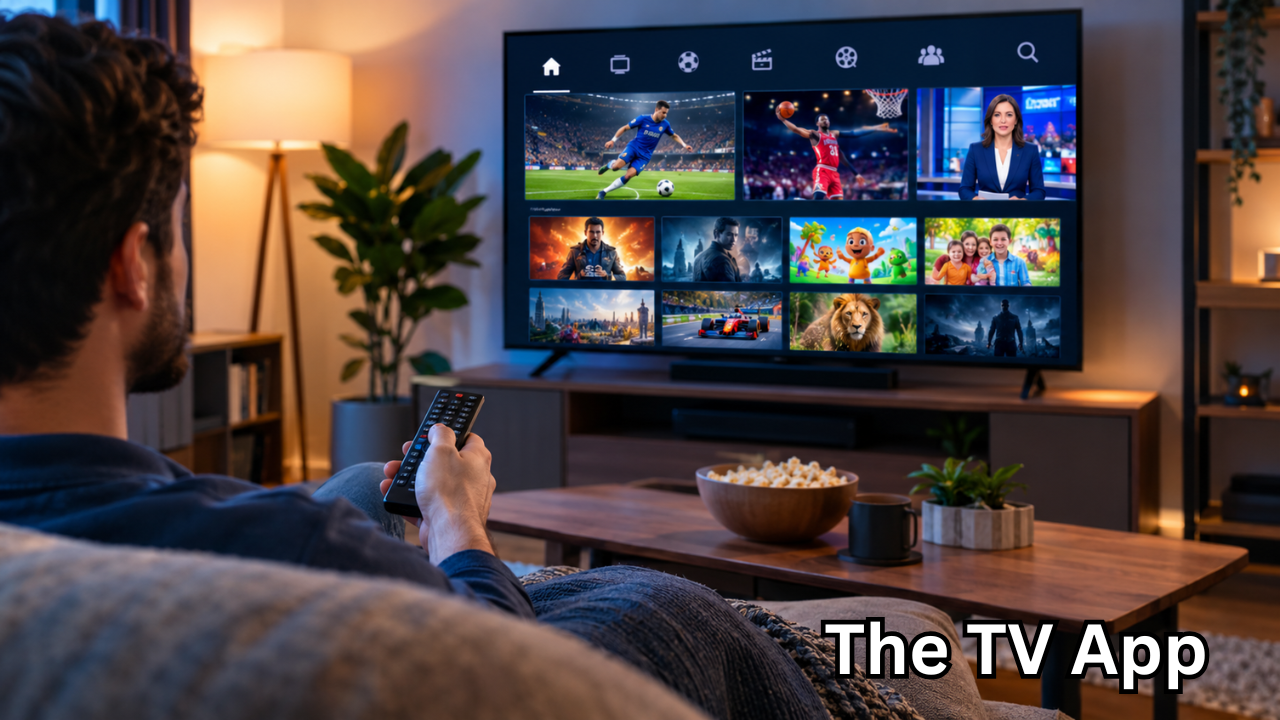
Streaming has changed the way people watch television. Instead of depending entirely on cable packages or expensive subscriptions, many viewers now turn to browser-based streaming platforms for quick access to live channels and events. One name that frequently appears in searches is the TV app, often written as TheTVApp or The TV App.
The term can be confusing because several unrelated services use similar names. There is also an iPhone application called The tv app: Movie And Tv Show, which focuses on discovering movies and television series rather than functioning as a traditional live-TV service.
This guide focuses primarily on the browser-based service commonly referred to as TheTVApp. Because websites using this branding can change domains and availability, readers should verify that they are visiting a legitimate and current destination rather than assuming every similarly named website is connected to the same service.
What Is the TV App?
The TV App is commonly described as a browser-based streaming platform designed to make live television easier to access. Unlike a conventional cable service, it does not require a dedicated set-top box. Users generally access the service through a web browser.
Current websites using the TheTVApp name describe categories such as:
- Live television channels
- Sports
- News
- Entertainment
- Movies
- Family programming
- Other live events
Some versions of the service describe themselves as aggregators or directories of third-party streams rather than traditional broadcasters. Their terms state that video streams may come from external sources and that availability can depend on those providers.
That distinction is important. A website displaying a channel does not necessarily mean that it owns the channel or holds broadcasting rights for everything being offered.
How Does the TV App Work?
One reason the TV App attracts attention is its straightforward browser-based design.
Instead of downloading a large application, users typically open a website, browse the available categories, select a channel or event, and then attempt to start the stream.
The basic process usually looks like this:
- Open the service through a modern web browser.
- Browse categories such as sports, news, entertainment, or television.
- Select the channel or event you want to watch.
- Choose an available stream.
- Start playback if the stream is available.
Because the service is web-based, the experience can vary considerably depending on the website being accessed, the stream provider, internet connection, device, and geographic location.
What Can You Watch on the TV App?
The selection associated with TheTVApp varies between websites and can change over time. Sports have historically been one of the biggest reasons people search for this type of platform.
Depending on the current service and available streams, users may encounter categories such as:
| Category | Examples of Content | Availability |
|---|---|---|
| Sports | Football, basketball, baseball, hockey, motorsports | Can vary by event |
| News | Live news channels and broadcasts | Depends on available streams |
| Entertainment | General TV and entertainment channels | Varies |
| Movies | Movie-oriented television channels | Varies |
| Family | Family and children’s programming | Varies |
| Live TV | General television channels | Depends on region and source |
It is important not to treat an online channel directory as a permanent programming schedule. Sports rights, channel availability, regional restrictions, and third-party sources can change quickly.

Is the TV App Really Free?
Many websites operating under the TheTVApp name advertise free access without a conventional subscription. Some state that users do not need to create an account or enter payment information.
However, “free” does not automatically mean risk-free or officially authorized.
Before using any free streaming website, consider:
- Whether the website is the legitimate service you intended to visit
- Whether the content is licensed in your country
- Whether the site requests unnecessary personal information
- Whether unexpected downloads are being offered
- Whether browser warnings appear
- Whether the website redirects you to unfamiliar pages
A free streaming experience can be attractive, but viewers should still pay attention to online safety and copyright rules.
Does the TV App Have an Official Mobile App?
This is one of the most common sources of confusion.
Several current websites describing TheTVApp say that the service works through a browser and does not require an official Android or iOS application.
At the same time, Apple’s App Store contains a separately named application called The tv app: Movie And Tv Show. Apple lists it as an entertainment app for iPhone, with movie and series discovery features powered by the TMDB API.
These should not automatically be treated as the same product.
If you find an APK claiming to be an official TheTVApp application, exercise caution. An APK downloaded from an unfamiliar website is not the same thing as an application distributed through an established app store.
Can You Use the TV App on a Phone?
Browser-based streaming services can generally be accessed from smartphones if the website is compatible with the mobile browser.
On an iPhone, that usually means using Safari. On Android, Chrome or another modern browser can be used.
The experience may depend on:
- Screen size
- Browser compatibility
- Internet speed
- Stream quality
- Mobile network performance
- Regional restrictions
- The particular website currently being used
For longer viewing sessions, a larger screen may provide a more comfortable experience than a smartphone.
Can You Watch on a Smart TV or Firestick?
Browser-based services may also work on devices that provide web browsing capabilities. Some websites using the TheTVApp name specifically advertise compatibility with Smart TVs, Firestick, Roku, and Android TV.
However, compatibility should not be assumed simply because a website claims it.
A practical approach is to check whether your television or streaming device supports a modern browser and whether the particular service loads correctly. Avoid installing unofficial applications simply because a website tells you to bypass normal app-store restrictions.
Why Do People Search for the TV App?
There are several reasons the phrase has become popular among streaming audiences.
Simple Browser Access
A browser-based platform can eliminate the need to install another large application. For users who simply want to check whether a live channel or event is available, this can feel convenient.
Live Sports
Sports are a major part of the interest surrounding TheTVApp. Viewers often search for online streaming options when they want to follow live games, competitions, or events.
Multiple Categories
Having sports, news, entertainment, and other categories in one interface can make browsing easier than jumping between numerous websites.
No Traditional Cable Contract
The concept of watching television through a browser appeals particularly to people who do not want to maintain a traditional cable package.
Still, convenience should not be confused with guaranteed legality, reliability, or quality.
The Importance of Checking the Website Address
One of the biggest challenges surrounding the TV App keyword is the number of similarly named websites.
Search results currently show multiple domains using names such as TheTVApp, The TV App, and related variations. Some claim to be the same service, while other sources warn that similarly branded domains may be unrelated.
This creates a genuine problem for users.
A website may copy the name, logo, layout, or description of another service without being operated by the same organization. That is why users should avoid assuming that a website is official simply because it contains “TheTVApp” in its domain name.
Is the TV App Safe to Use?
Safety depends heavily on the exact website and third-party content involved.
A streaming website may be relatively simple to access, but advertisements, redirects, pop-ups, trackers, or malicious downloads can create risks.
Some sensible precautions include:
- Keep your browser and operating system updated.
- Do not download unknown APK or executable files.
- Never provide unnecessary passwords or payment information.
- Be cautious of pages that suddenly redirect you.
- Do not install browser extensions from unfamiliar sources.
- Use reputable security software where appropriate.
- Leave the site if your browser displays a security warning.
- Check local copyright and streaming laws before watching content.
The safest approach is to treat unfamiliar free-streaming websites cautiously rather than assuming that a site is safe simply because it looks professional.
Is the TV App Legal?
The legal position can depend on the specific website, the source of the stream, the content being distributed, and the laws of the country where the viewer is located.
Some websites using the TheTVApp name describe themselves as aggregators that link to third-party streams and state that they do not host video files themselves.
That statement alone does not establish that every stream available through a platform is properly licensed.
Copyright and broadcasting rules differ between jurisdictions. If legal access matters to you, the most reliable option is to use official broadcasters, licensed streaming services, or services that clearly identify their content rights.
What If a Stream Does Not Work?
Streaming problems are common with browser-based services, particularly when content comes from external sources.
If a stream fails, basic troubleshooting can include:
- Refreshing the page
- Checking your internet connection
- Trying another browser
- Closing unnecessary browser tabs
- Restarting the device
- Checking whether other websites work normally
- Trying another legitimate source for the same broadcast
Avoid repeatedly clicking suspicious pop-ups or downloading software offered by an unfamiliar streaming page.
If the problem affects only one channel or event, the issue may be related to that particular stream rather than your device.
The TV App vs Traditional Cable
The appeal of browser-based streaming becomes clearer when compared with traditional television.
| Feature | Browser-Based TV Service | Traditional Cable |
|---|---|---|
| Access | Web browser | Cable/satellite equipment |
| Installation | Usually minimal | Often requires equipment |
| Monthly contract | Depends on service | Common |
| Device flexibility | Phones, computers, some TVs | Primarily connected television equipment |
| Reliability | Depends on internet and stream source | Usually provider-controlled |
| Channel availability | Can change | Defined by package |
| Legal licensing | Must be checked | Usually established by provider |
This comparison does not mean one option is universally suitable. Viewers have different priorities, including reliability, channel selection, cost, convenience, and legal licensing.
Tips for a Better Streaming Experience
If you choose to use a legitimate browser-based streaming platform, a few simple habits can improve the experience.
First, use a stable internet connection. Live video requires consistent bandwidth, and an unstable connection can cause buffering.
Second, keep your browser updated. Modern browsers regularly receive security and compatibility improvements.
Third, use a suitable screen. A phone is convenient for short viewing sessions, while a tablet, computer, or compatible television may be better for longer programs.
Finally, be selective about websites and downloads. A website that asks you to install an unfamiliar player, extension, or APK should be treated with caution.
Frequently Asked Questions
What is the TV App?
The TV App commonly refers to a browser-based streaming service associated with live television, sports, news, and entertainment. However, several unrelated websites and applications use similar names, so the exact service should be verified before use.
Is the TV App free?
Websites using the TheTVApp name commonly advertise free access without traditional subscriptions. The exact terms and availability can vary between sites.
Do I need to download an app?
The browser-based versions of TheTVApp generally state that no dedicated application is required. You can access the service through a web browser when the relevant website is available.
Can I use the TV App on my phone?
A browser-based service can generally be accessed on a compatible smartphone browser. Actual performance depends on the website, device, browser, internet connection, and stream.
Is the TV App legal?
Legality depends on the specific service, stream, content rights, and your local laws. A website’s claim that it aggregates third-party streams does not by itself establish that every piece of content is properly licensed.
Why are there so many TV App websites?
The phrase is generic and has been used by multiple services and websites. Current search results show several domains with similar branding, making it important to verify the exact website rather than relying only on the name.
Final Thoughts
The TV App has become a popular search term among people looking for convenient ways to watch live television, sports, news, and entertainment online. Its browser-based approach can be appealing because it may eliminate the need for traditional cable equipment or a dedicated application.
At the same time, the current streaming landscape makes it important to look beyond convenience. Similar names, changing domains, third-party streams, regional restrictions, and copyright considerations can all affect the experience.
If you decide to explore the TV App, verify the website you are using, avoid suspicious downloads, protect your personal information, and check the applicable laws in your region. For the most dependable and clearly licensed viewing experience, official broadcasters and authorized streaming providers remain the straightforward route.
The key takeaway is simple: understand what service you are actually accessing before you start streaming. That small step can make your online television experience safer, clearer, and much less confusing.
Also Read : Sierra Leone Language: A Complete Guide to Krio, English, Mende, Temne and More









Leave a Reply